> For the complete documentation index, see [llms.txt](https://docs.scopescan.ai/llms.txt). Markdown versions of documentation pages are available by appending `.md` to page URLs; this page is available as [Markdown](https://docs.scopescan.ai/features/discovery-mode/transaction-details.md).
# Transaction Details
Explore Transaction details and understand the flow of funds in Scopescan. To access this page, you can enter any Ethereum transaction hash in the search bar.
The Transaction Detail page is divided into 3 main components.
1. **Transaction Overview**\
Main transaction details can be found here including transaction hash, Status, Timestamp, Block where the transaction was minted, Sender, Recipient, Value, and Transaction fee.
Notice: Both ETH value and transaction fee Fiat values are calculated based on historical prices at the time of the transaction.
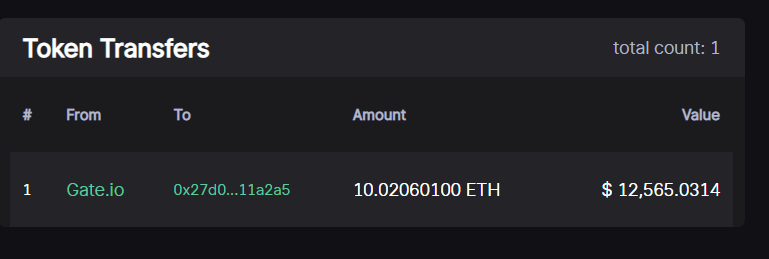
2. **Token Transfers**\
All ERC20 and ERC721 transfers that happened in the transaction searched. Sorted by chronological order.
3. **Balance Changes**\
The balance change of all addresses that participated in the same transaction.